Get in Touch

Edit Template

How to Cancel a TikTok Shop Order as a Seller (2026)

Sometimes you have to cancel an order — out of stock, a pricing error, or an address you cannot ship to. But on TikTok Shop, seller cancellations affect your account health, so you need to do it carefully. This 2026 guide shows you how to cancel a TikTok Shop order as a seller without wrecking your metrics.

Before You Cancel: Understand the Cost

Seller-initiated cancellations can count against your performance metrics and, if frequent, reduce your reach or standing. Cancel only when you truly must, and where possible message the buyer first to agree on the best outcome.

How to Cancel an Order as a Seller (Step by Step)

1. Open the order in Seller Center

Find the unshipped order in your Orders list.

2. Choose the cancel option

Select cancel and pick an accurate reason (out of stock, address issue, etc.).

3. Message the buyer

Explain briefly and apologize — good communication softens the impact and protects your rating.

4. Confirm the cancellation and refund

Complete the cancellation so the buyer is refunded promptly.

5. Fix the root cause

Update stock or settings so the same issue does not force more cancellations.

The Best Fix Is Not Having to Cancel

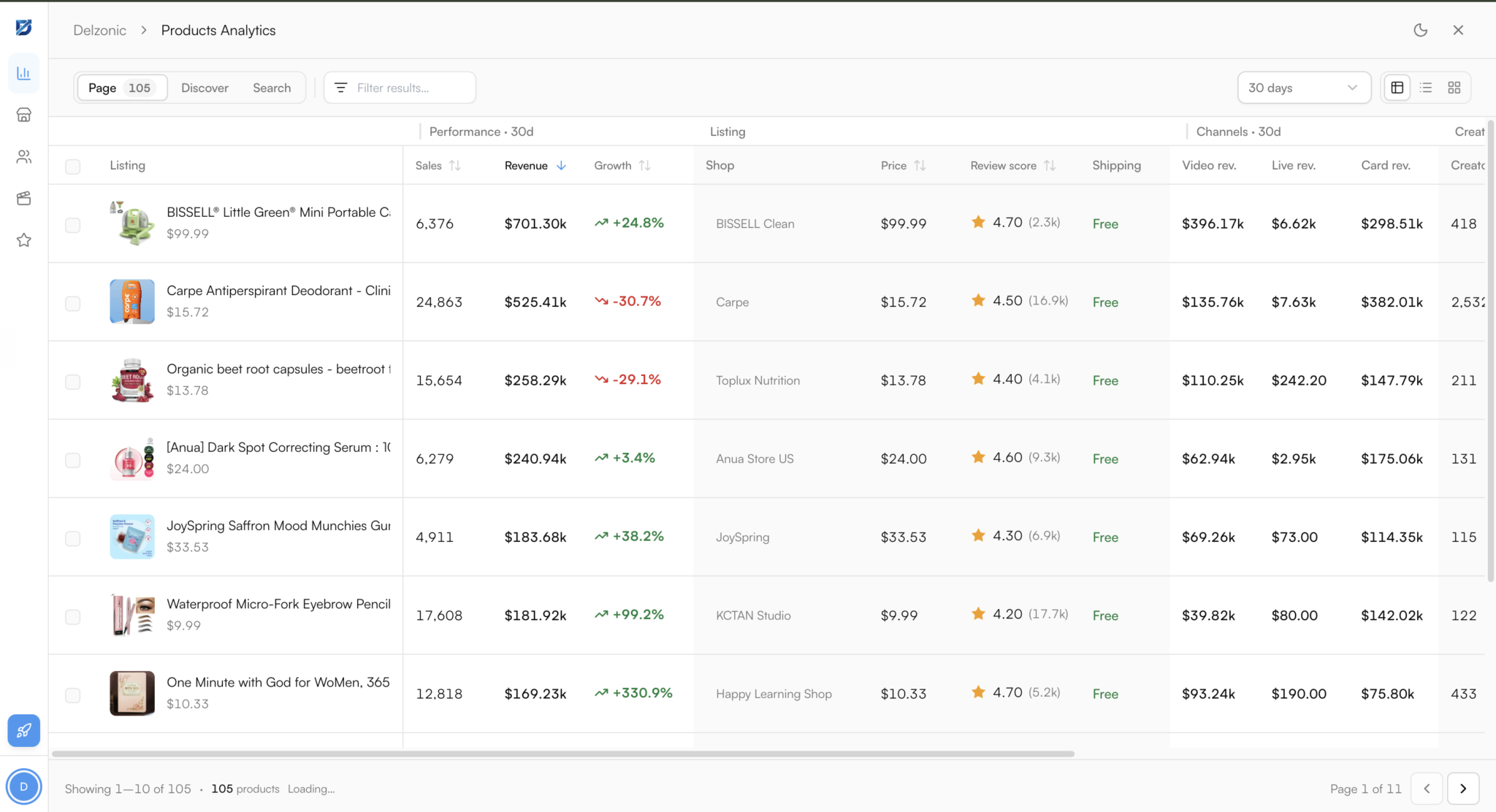
Most seller cancellations trace back to stock or sourcing problems — running out of a winner, or listing something you cannot reliably supply. Selling proven, well-sourced products prevents that. The Delzonic Chrome extension shows demand, competition, and sales signals on any TikTok Shop product in about 30 seconds — free — so you stock winners you can actually fulfil. Install it and cancel far less.

How to Cancel Without Hurting Your Ratings

  • Cancel rarely — treat it as a last resort.
  • Communicate first — message the buyer before cancelling.
  • Refund fast — a quick refund limits complaints.
  • Fix the cause — accurate stock stops repeat cancellations.

Common Mistakes to Avoid

Do not cancel silently without messaging the buyer, do not make cancelling a habit, and do not leave the underlying stock or listing problem unfixed. Repeated seller cancellations are one of the fastest ways to damage account health.

Related Reading

Manage stock in how to manage inventory, handle disputes via returns and refunds, ship right in how to ship orders, and talk to buyers with how to message a seller.

FAQs

How do I cancel a TikTok Shop order as a seller in 2026?

Open the unshipped order in Seller Center, choose the cancel option and select an accurate reason, message the buyer to explain, then confirm the cancellation so they are refunded. Fix the underlying cause so it does not happen again.

Does cancelling an order hurt my TikTok Shop account?

It can. Seller-initiated cancellations may count against your performance metrics and, if frequent, reduce your reach or standing. Cancel only when necessary, communicate with the buyer, and refund quickly to limit the impact.

How do I avoid cancelling TikTok Shop orders?

Keep stock accurate so you never sell what you cannot ship, set correct shipping and address settings, and sell well-sourced products you can reliably fulfil. Most cancellations come from stock or sourcing issues you can prevent.

To Wrap Up: Cancel a TikTok Shop order as a seller from Seller Center with an honest reason, a message to the buyer, and a fast refund — but treat it as a last resort. The real fix is stocking winners you can always fulfil.

Add Delzonic to Chrome — free and sell products you can reliably deliver.

Previous Post

Your Business Potential with Our Proven Strategies

Lorem ipsum dolor sit amet, consectetur adipiscing elit. Ut elit tellus, luctus nec ullamcorper mattis, pulvinar dapibus leo.
Find Trending Products in One Click.

Company

Pricing

About

Contact

Resources

Blog

Community

Dropship University

FAQs

Copyright © 2026 Delzonic. All Rights Reserved.